Skip to main content
clugge.com
Home
How to use Clugge
What’s new
Blog
Contact Us
Menu
Home
How to use Clugge
What’s new
Blog
Contact Us
How to use Clugge
How To:
Steps To Use Clugge App
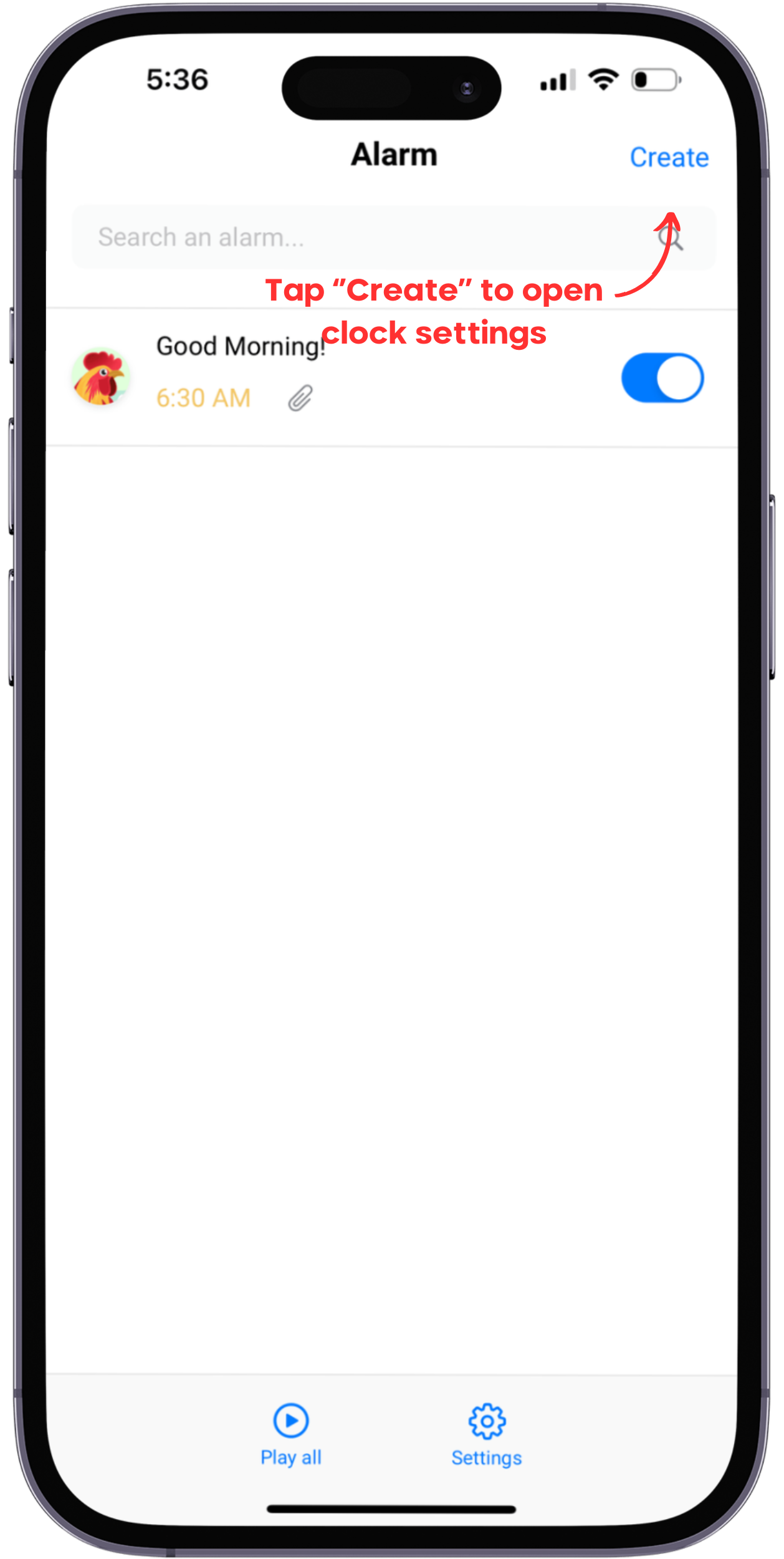
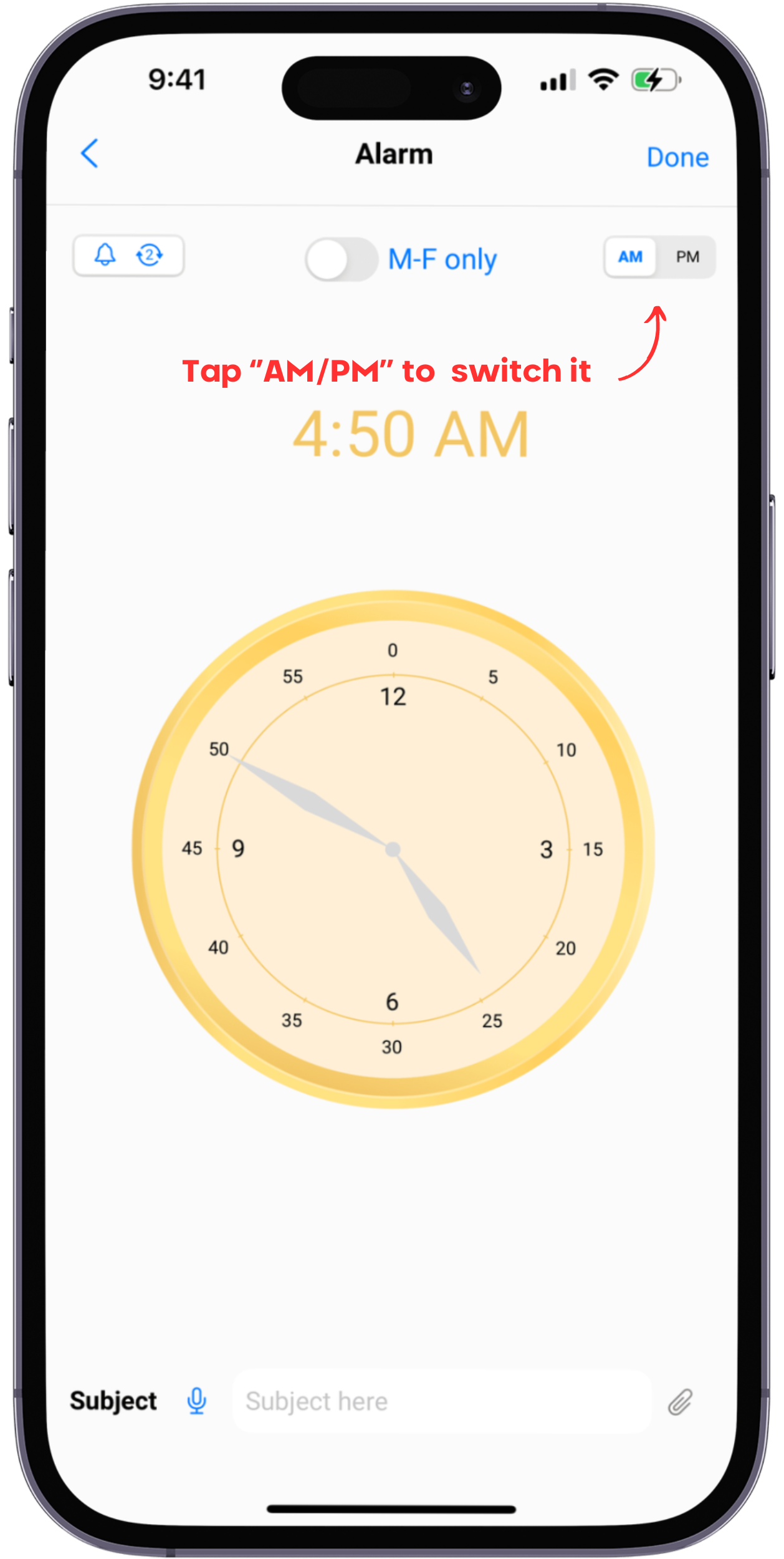
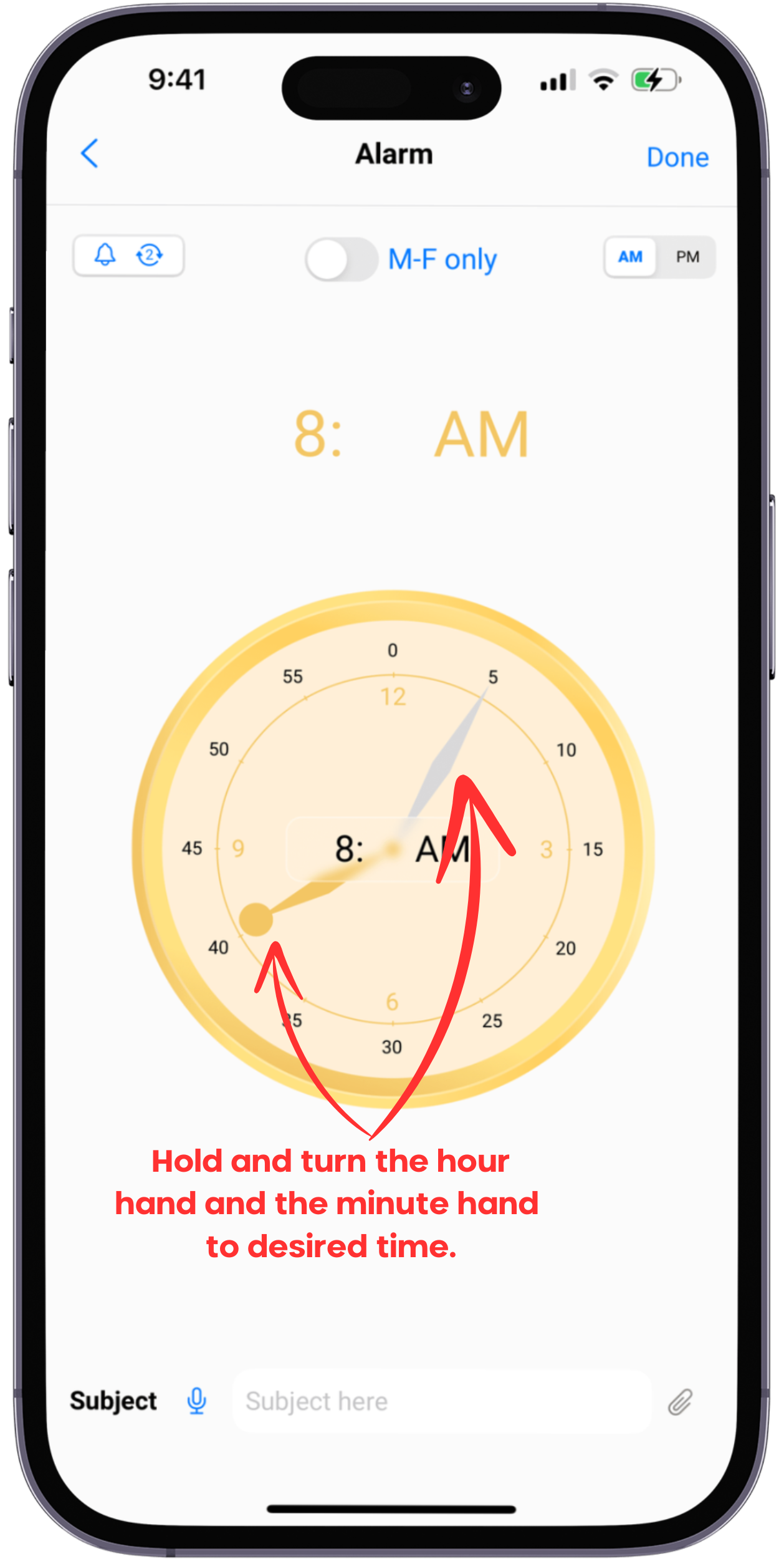
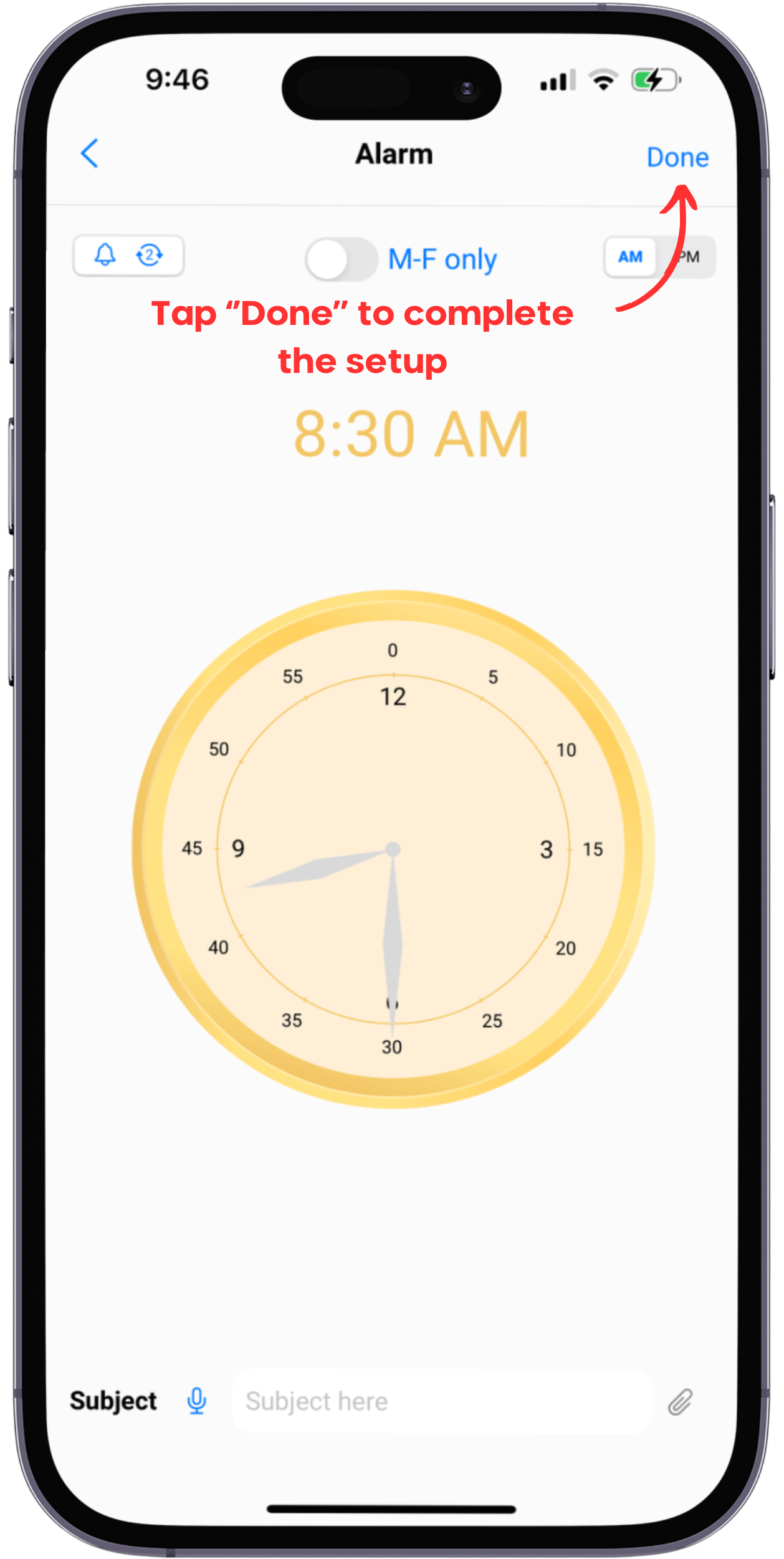
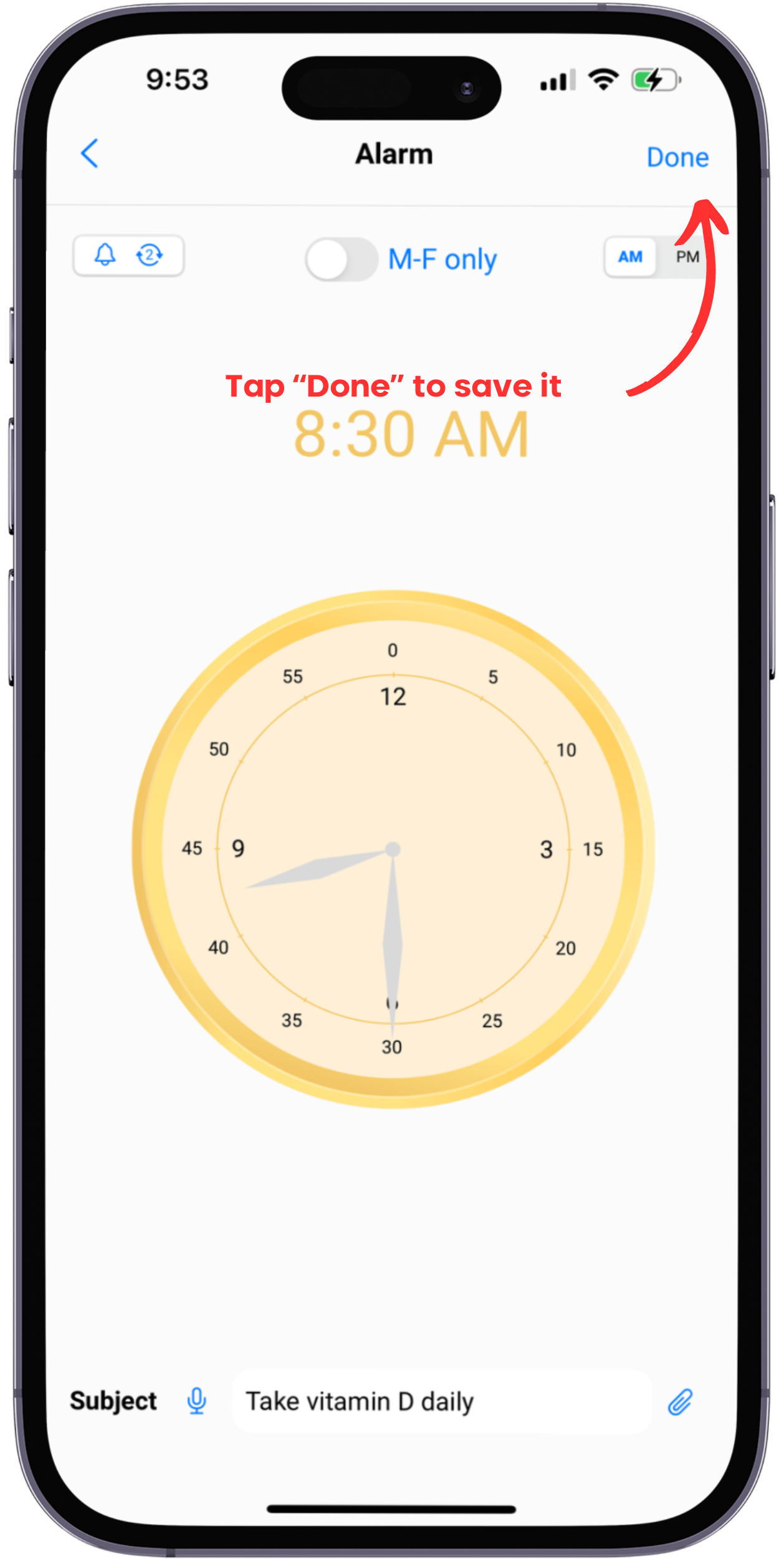
1. Set up alarm time
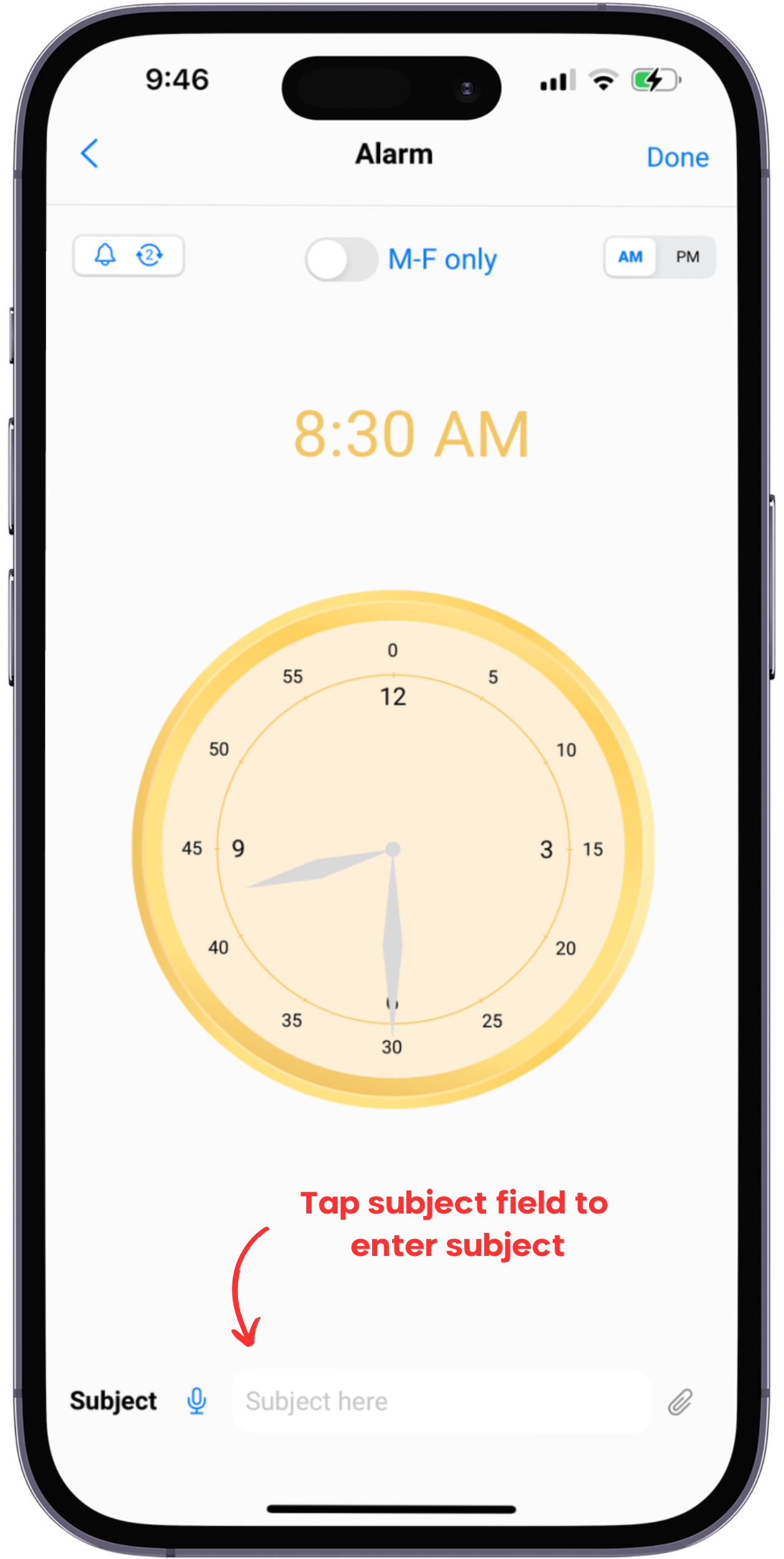
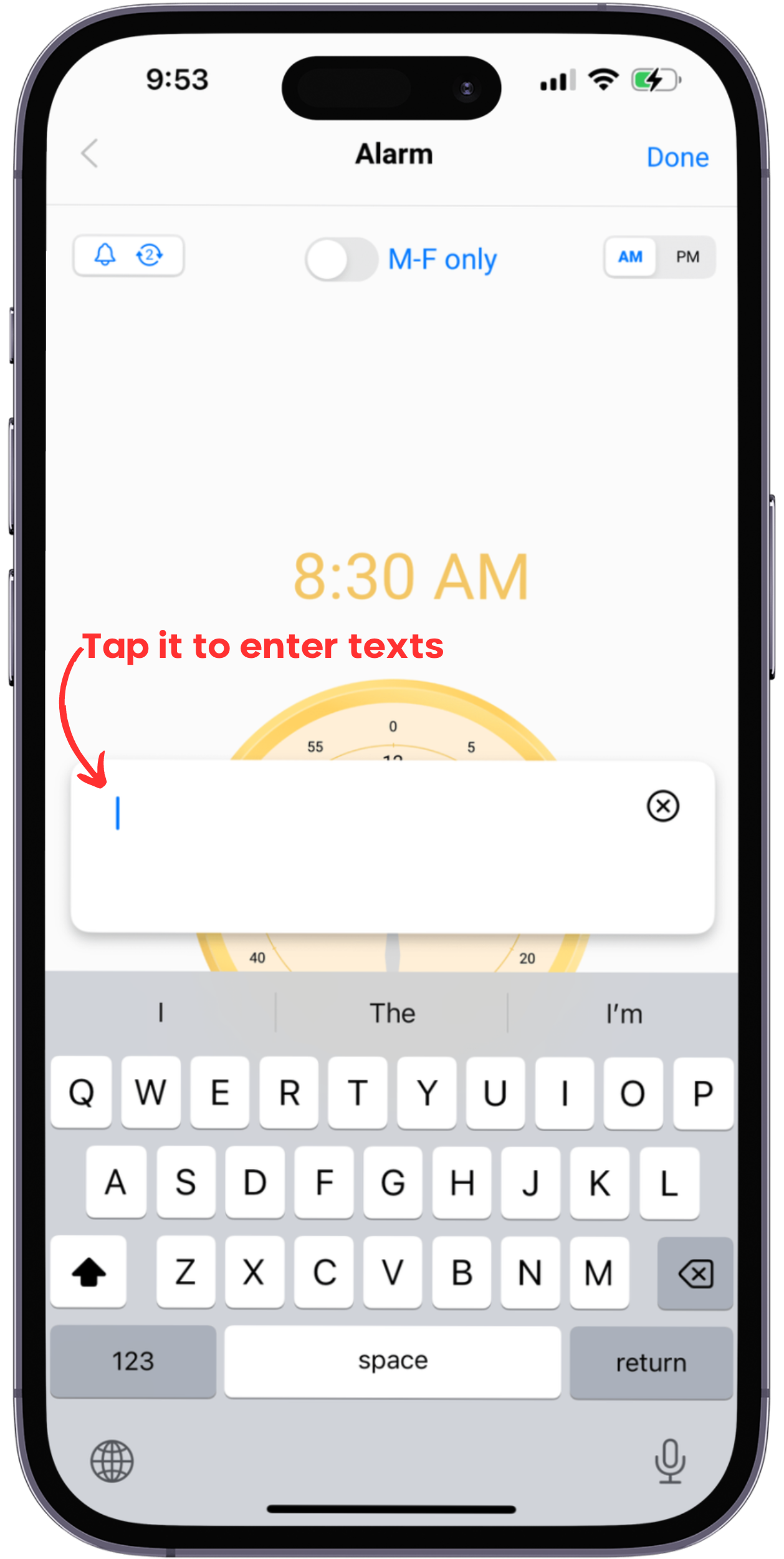
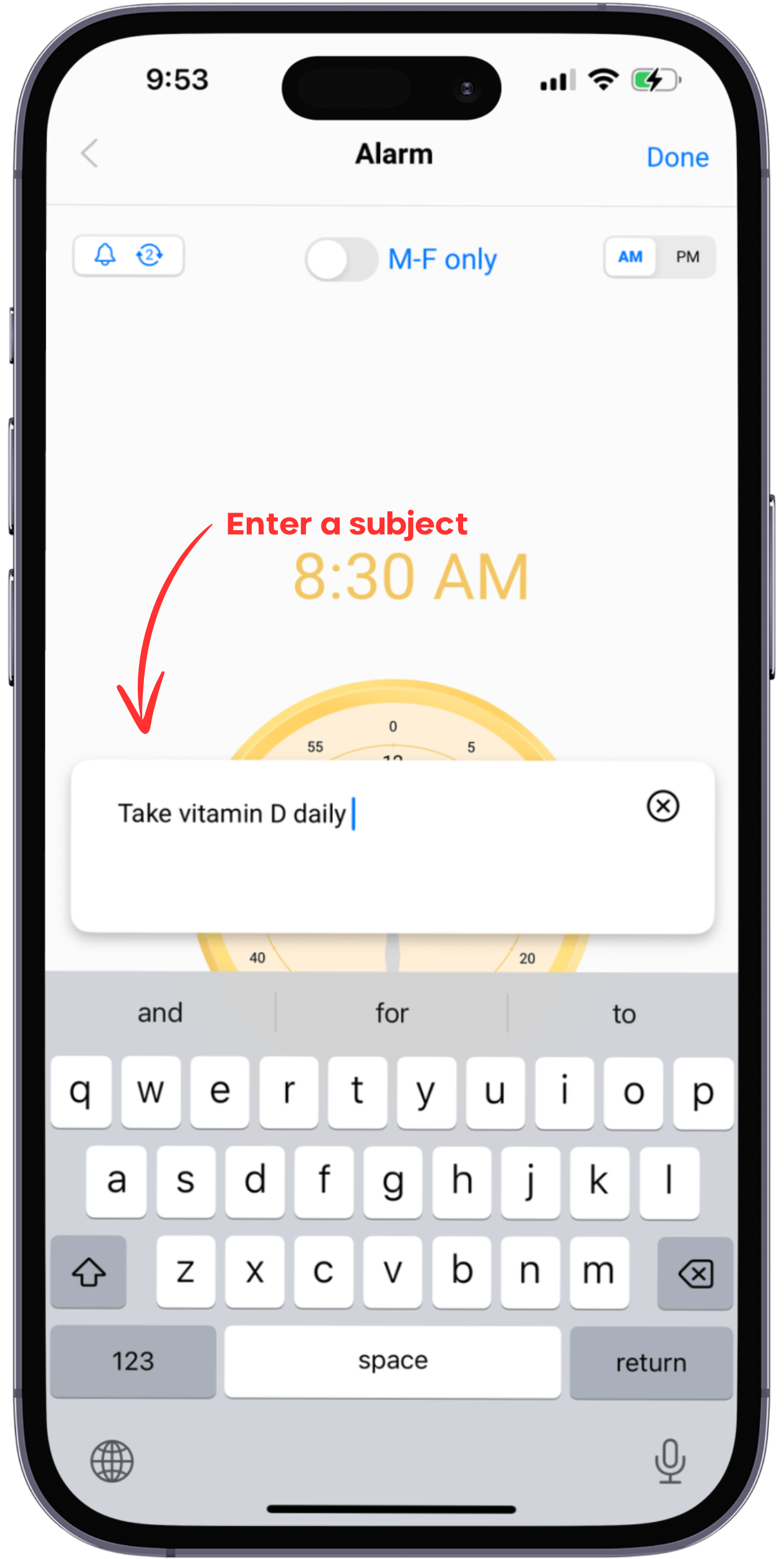
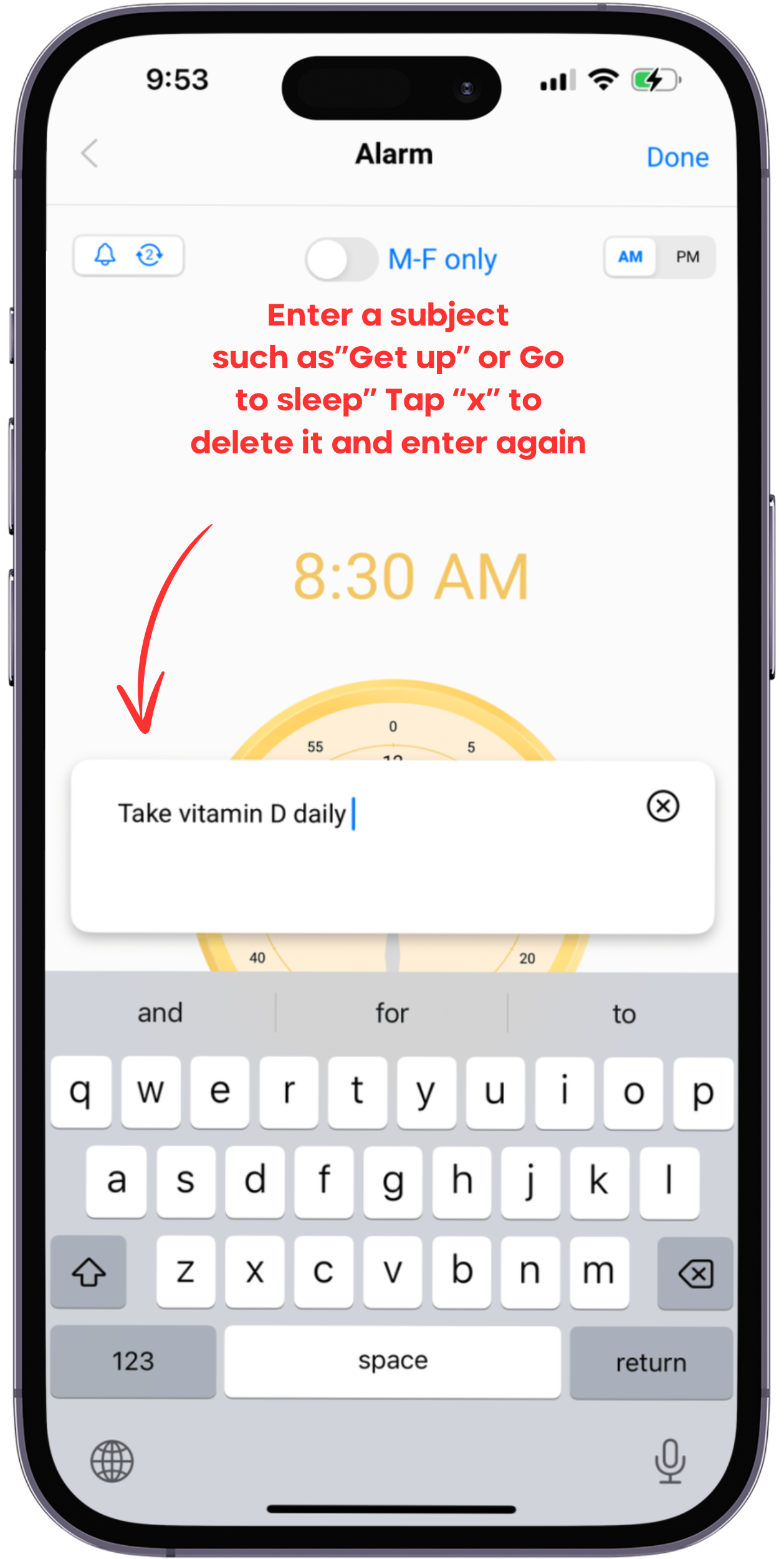
2. Set up subject
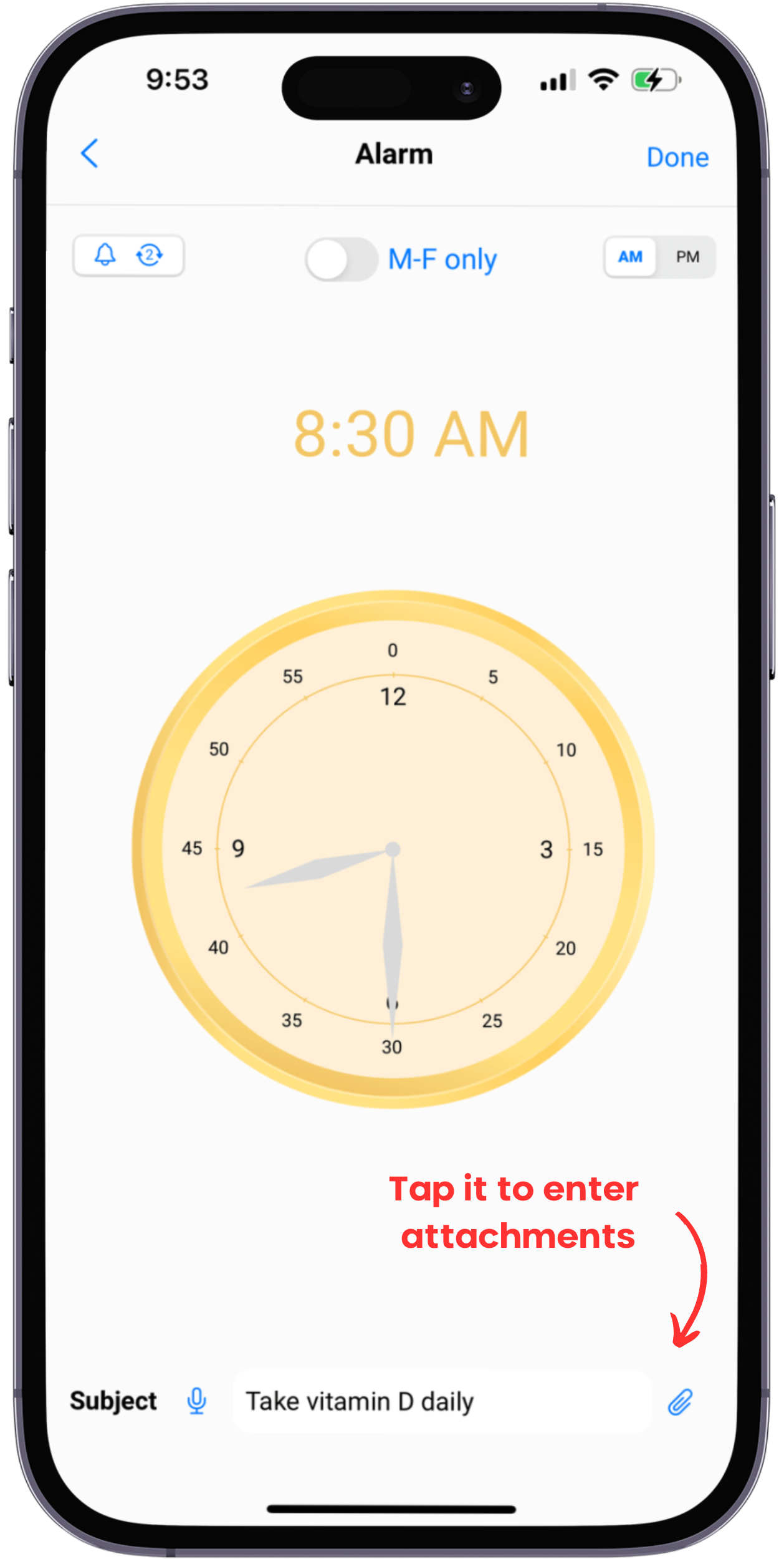
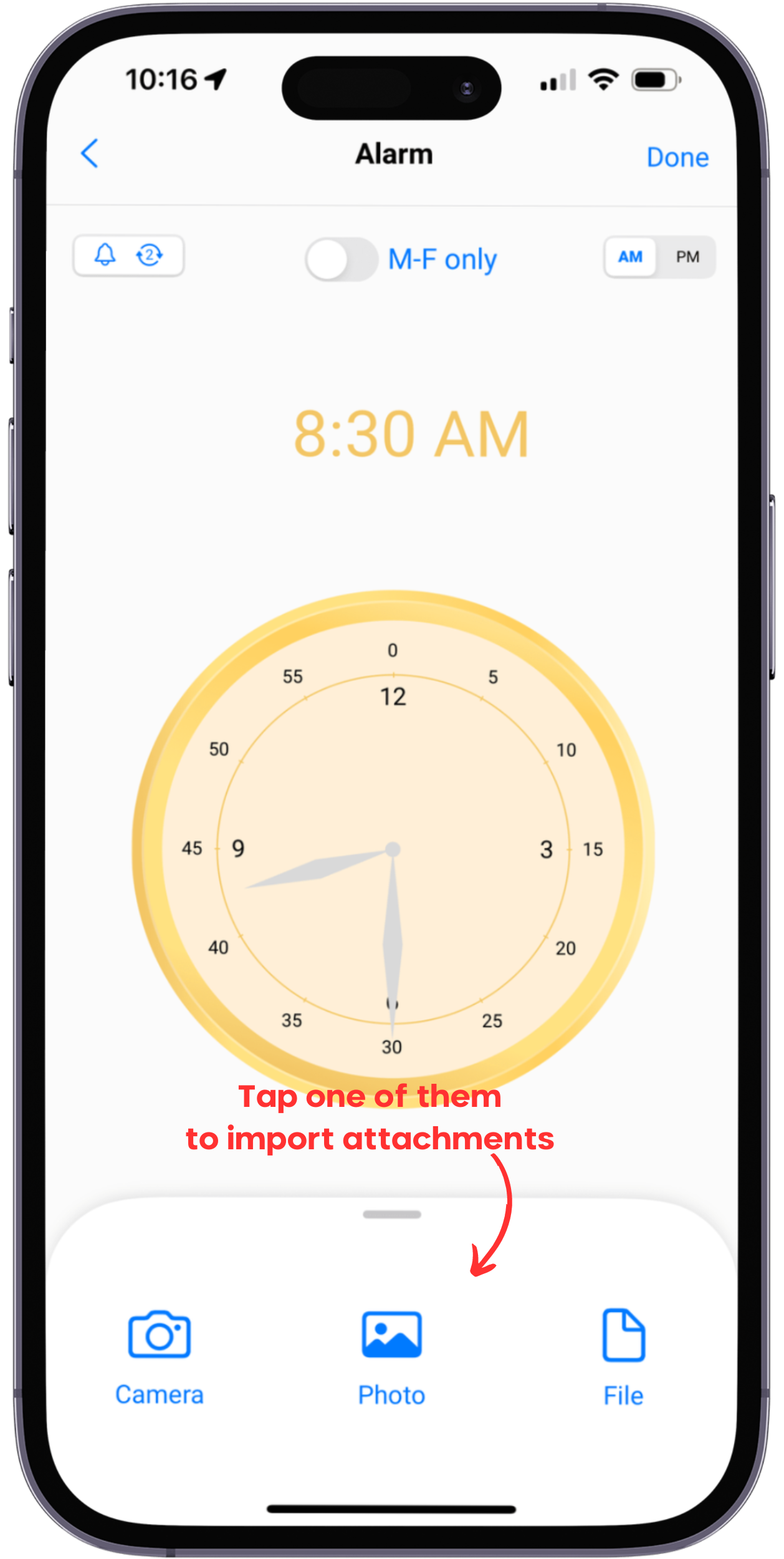
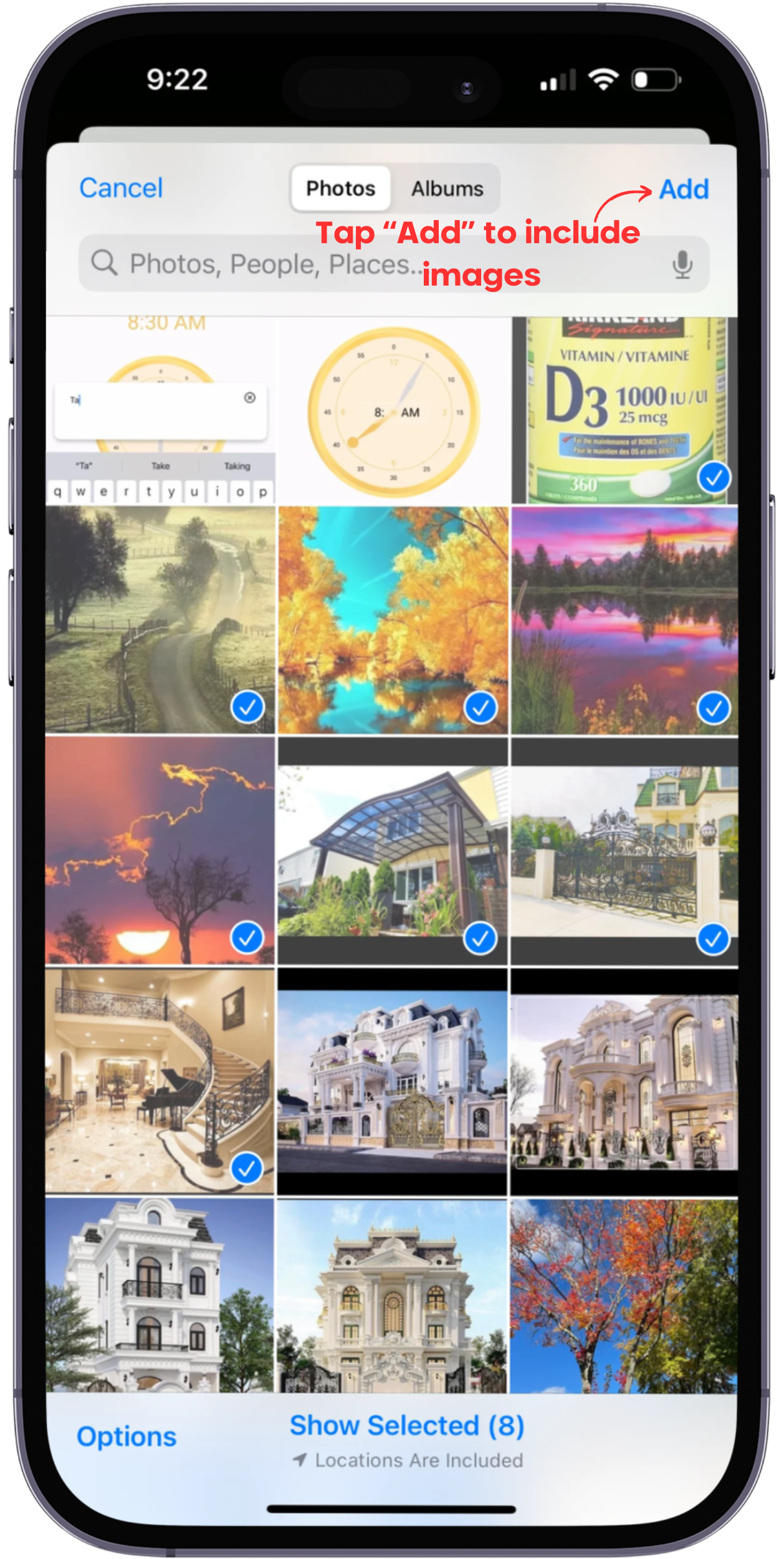
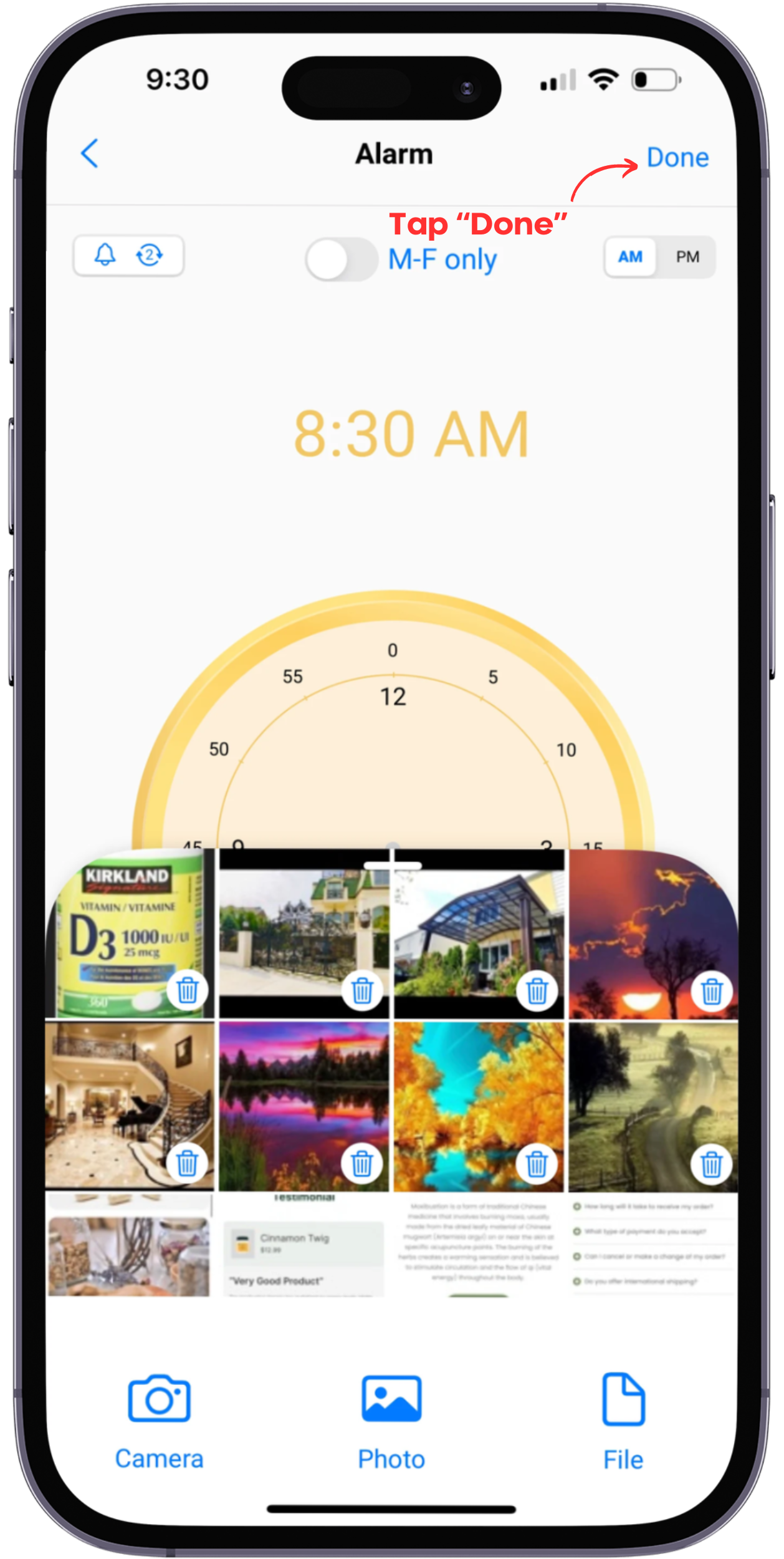
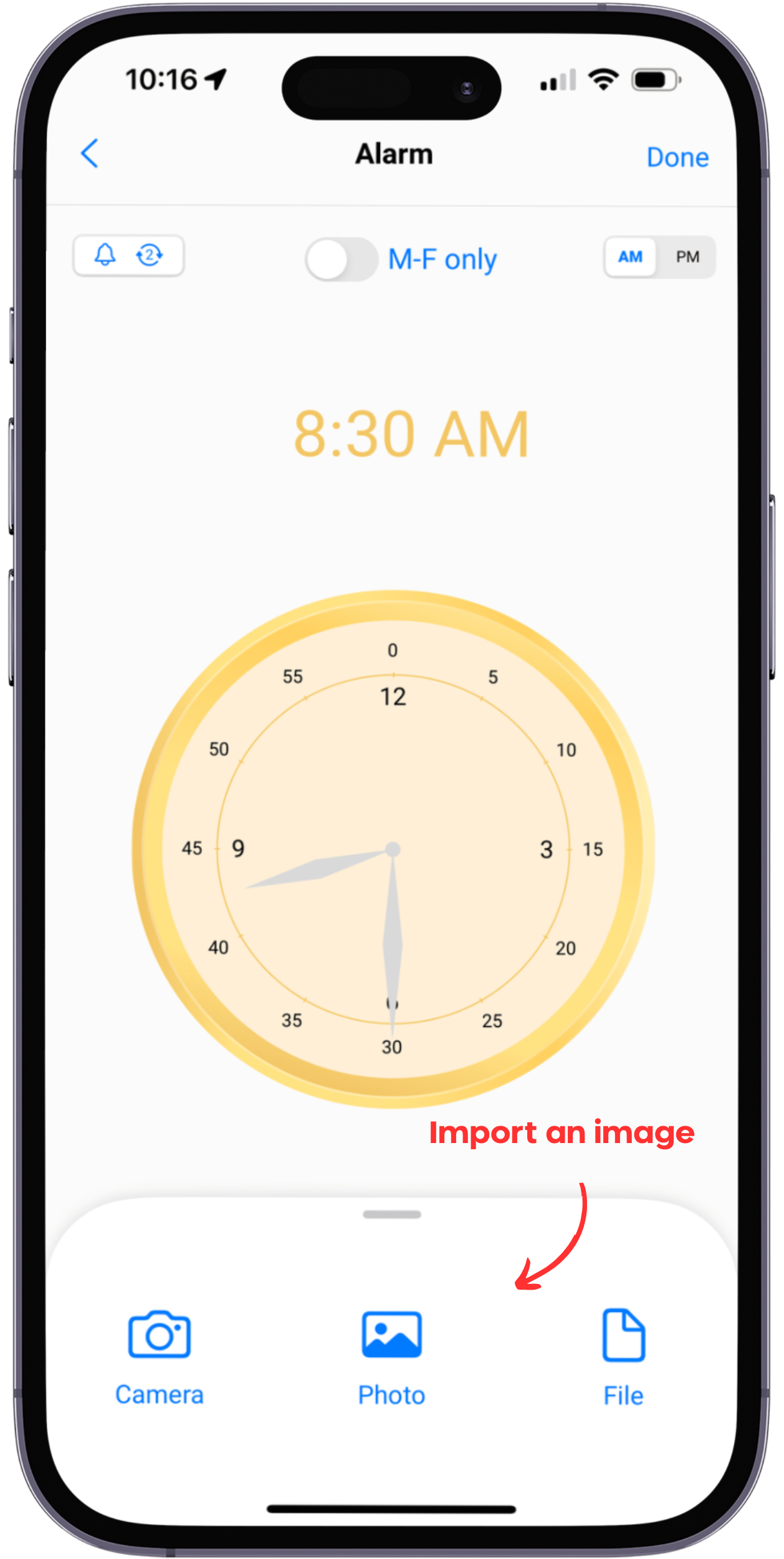
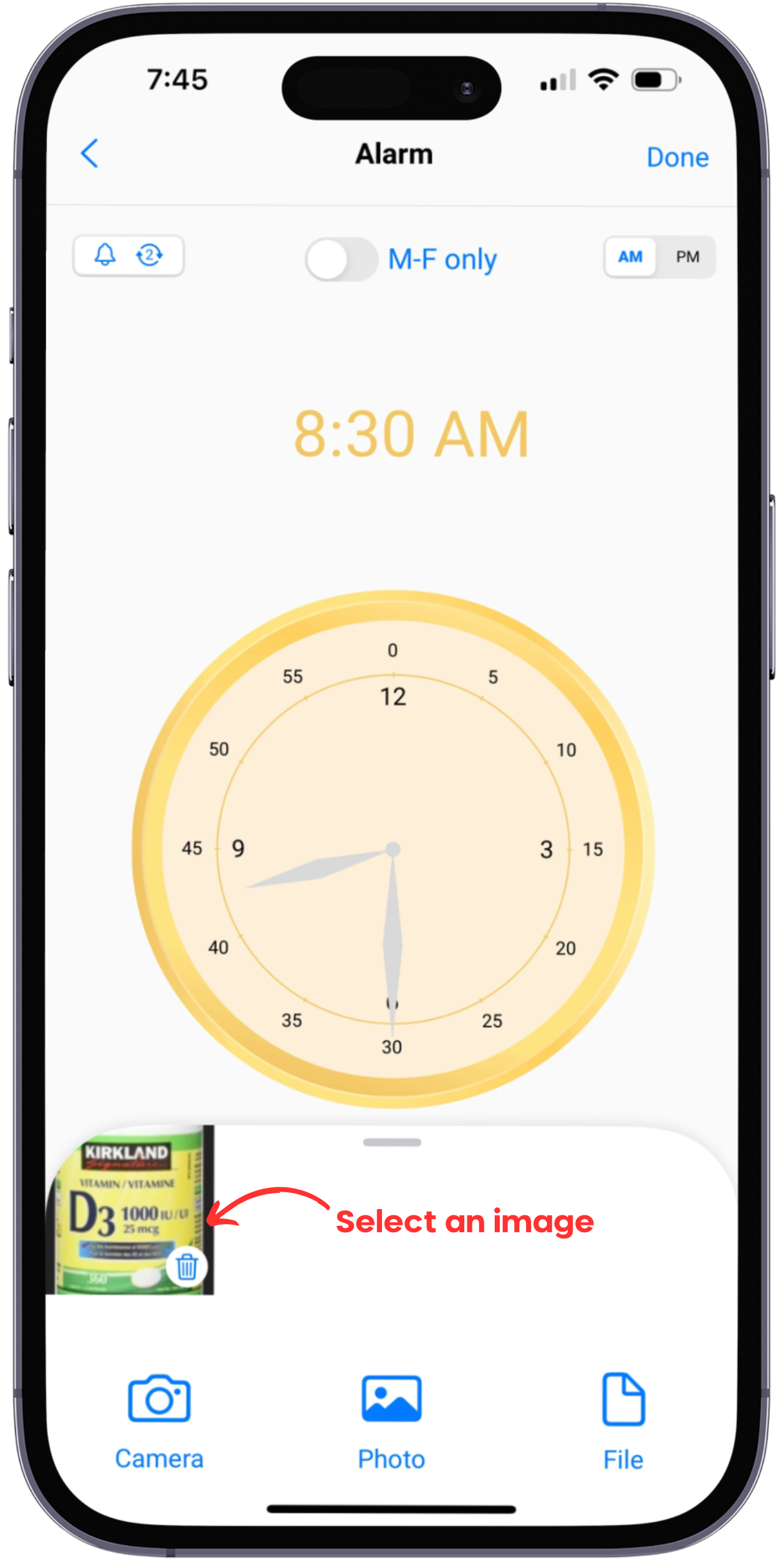
3. Add attachment
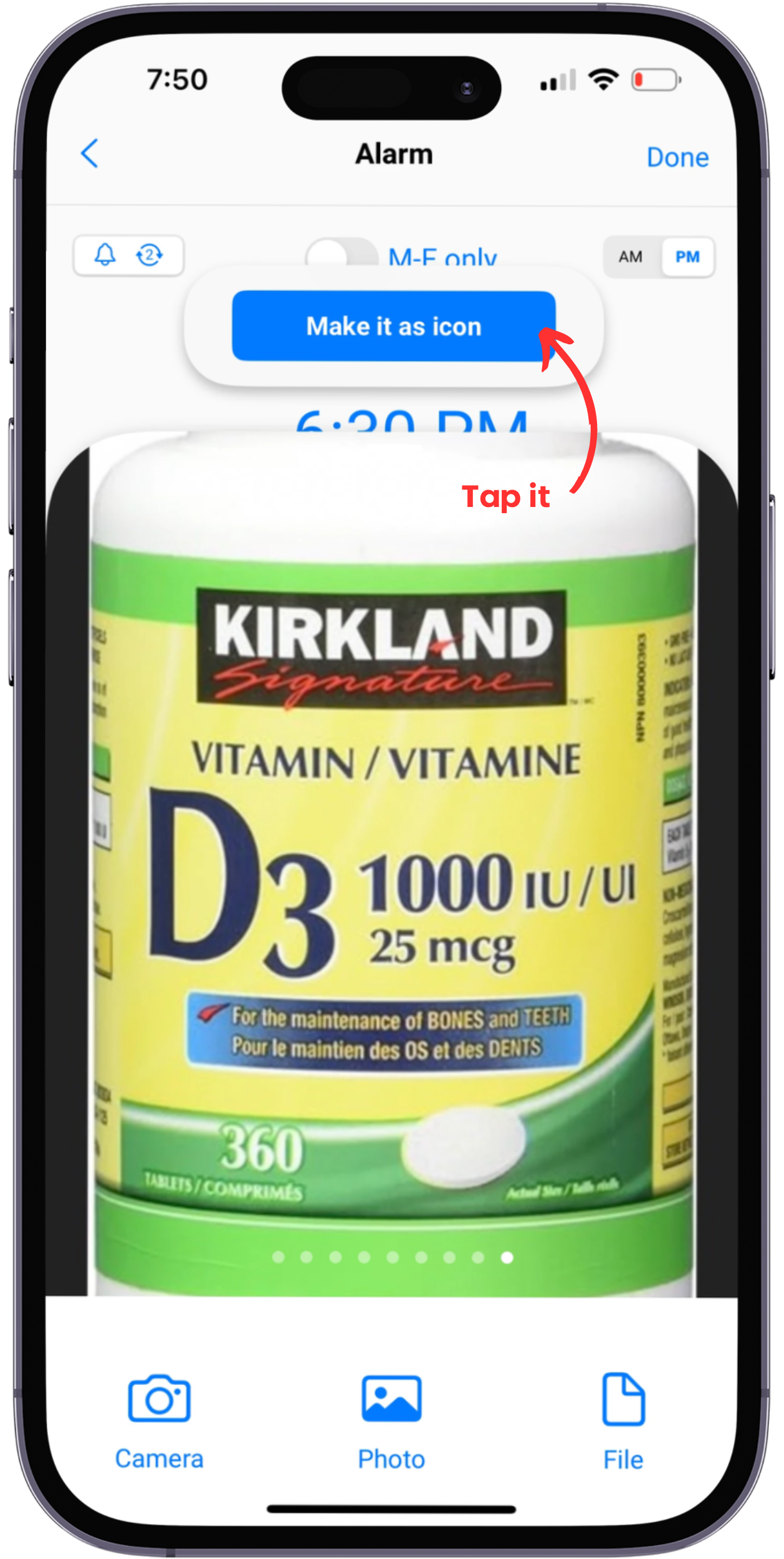
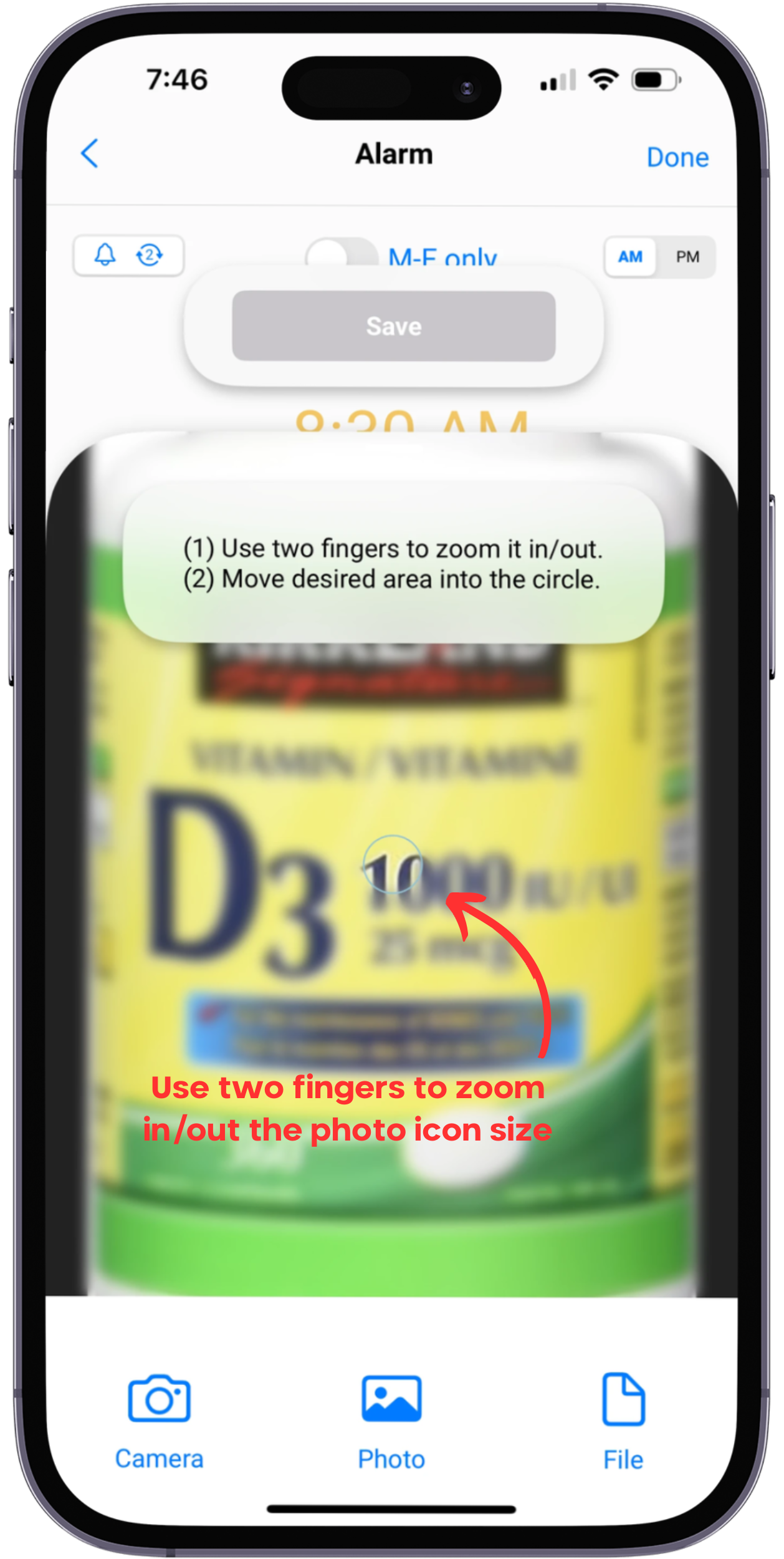
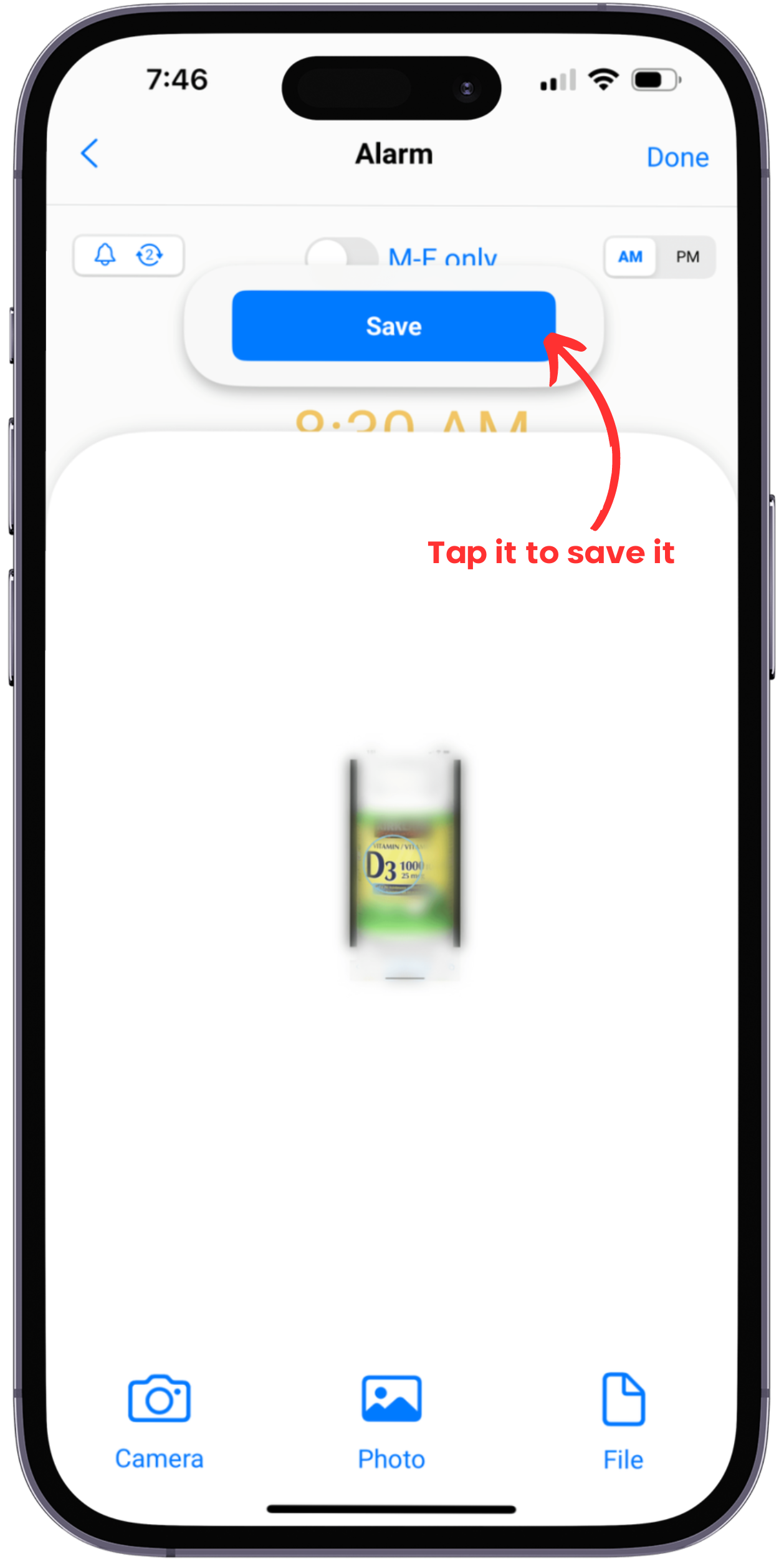
4. Create an icon
1. Set up alarm time:
2. Set up subject:
3. Add attachment:
4. Create an icon: